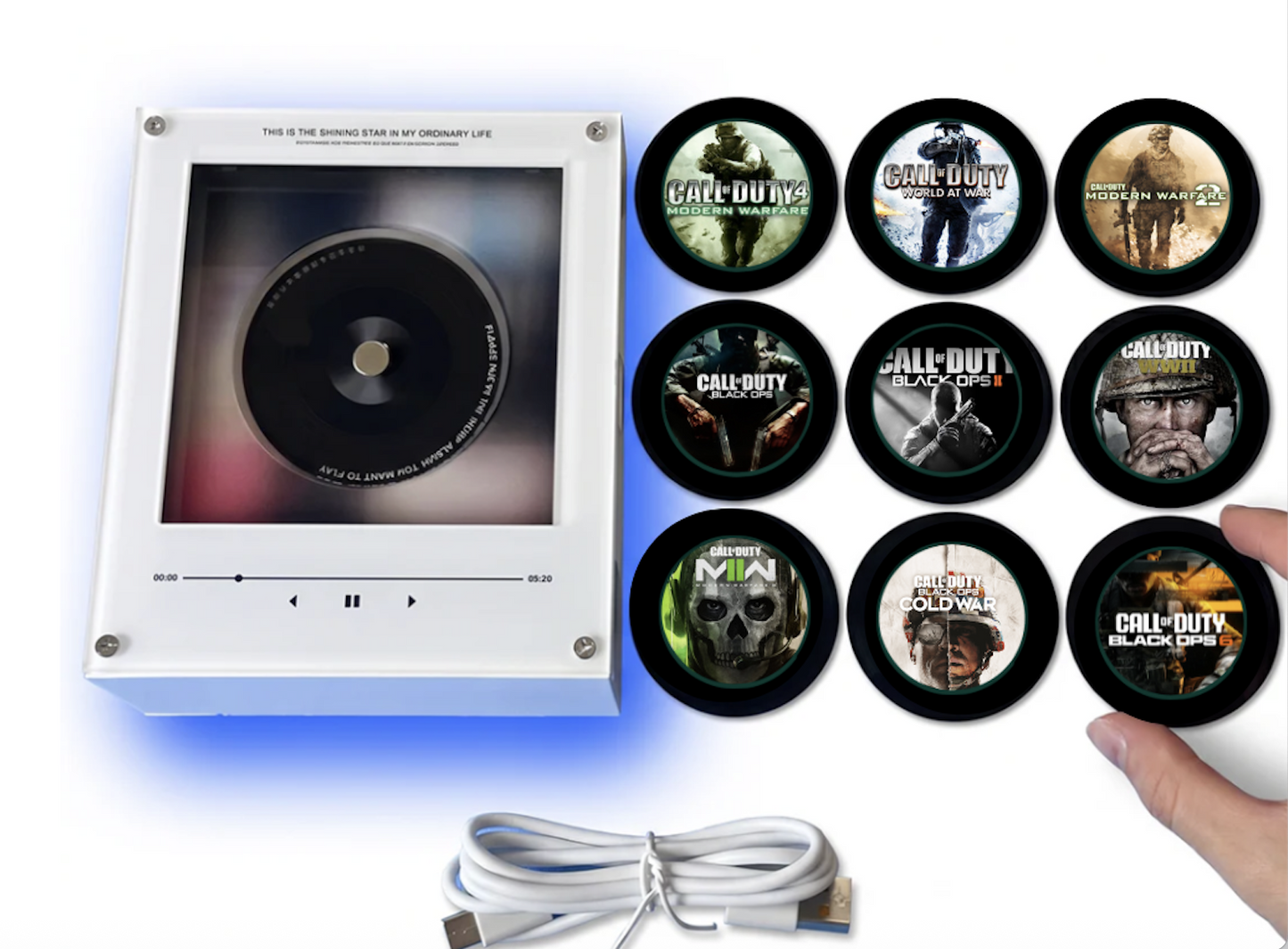
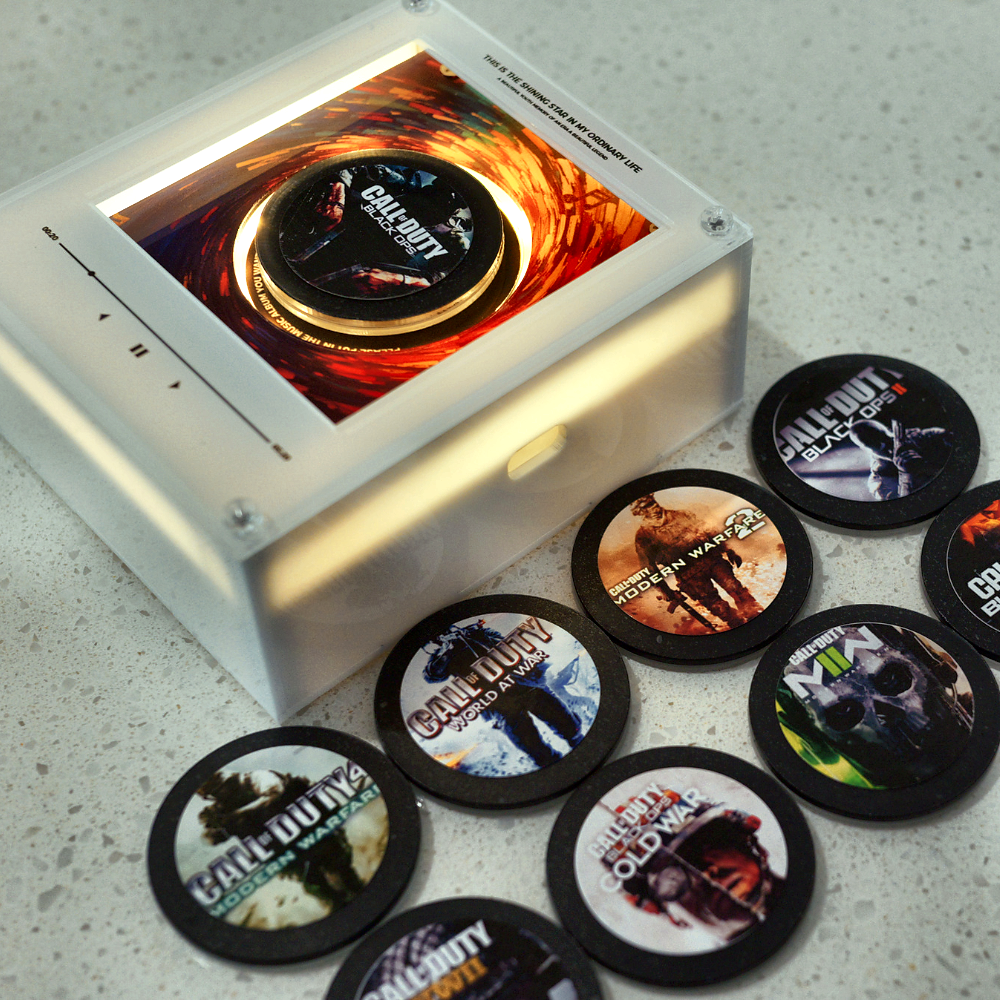
Step 1 - Connect the player
Plug the included USB-C cable into your COD Tunes player and connect it to your computer (Mac or Windows - no app or driver needed). It will appear as a regular USB drive.
Step 2 - Find your tracks
Scan the QR code on the setup card included in your box. It links straight to a curated playlist with all 9 COD multiplayer themes - COD4 through Black Ops 6, ready for you to find and download.
Step 3 - Convert to MP3
Search "YouTube to MP3 converter" in Google and use any reputable result - we recommend onlymp3.io as a starting point. Paste the video link, select MP3, and download.
Step 4 - Load your songs
Open the USB drive on your computer. You'll see 9 numbered folders (01–09). Drag one MP3 into each folder - folder 01 plays from disc A, folder 02 from disc B, and so on.
Step 5 - Safely eject
Once all 9 folders have a track, safely eject the USB drive from your computer and unplug the cable.
Step 6 - Snap it on and play
Stick the player to any magnetic surface, place a disc on it, and the matching track plays instantly - no app, no WiFi, no phone.
The whole process takes less than 10 minutes the first time, and you can swap any track at any point by simply plugging it back in.